
The browser foundry
Tools forged for your files.
Fast, private PDF tools that run entirely in your browser. Drop a file on the anvil and start working — nothing leaves your device.
- Private
- No upload
- Instant
Drop a PDF on the anvilStart
See it work
Raw file in. Forged result out.
Drag the handle to see exactly what each tool does to a real document — all of it happening right in your browser.
Confidential
Plain document → Stamped every page“CONFIDENTIAL” applied diagonally, semi-transparent, on every page
The tool wall
Ten tools, hung and ready.
- AI editorNanoPDF AI EditorUpload a PDF, edit pages with AI, forge in matching new slides, scrub the version timeline, and download the finished document.Open workspace →
- Merge PDFCombine multiple PDFs into one file, in the order you choose.
- Split PDFExtract a page range from a PDF into a new file.
- Delete PDF PagesRemove unwanted pages and keep the rest.
- Rotate PDFTurn every page 90°, 180°, or 270° and save.
- JPG to PDFConvert JPG and PNG images into a single PDF.
- Watermark PDFStamp text like DRAFT or CONFIDENTIAL across every page.
- Add Page NumbersNumber every page — bottom-center, bottom-right, or top-right.
- PDF to JPGTurn every page of a PDF into a JPG image.
- Compress PDFShrink a PDF for email by re-encoding its pages.
- Password Protect PDFAdd a password so only you can open the PDF.
PDF guides
Start with the workflow.
- PDF tools that never upload your filesPDF tools that never upload your files: merge, split, compress, and password-protect PDFs entirely in your browser. Free, no sign-up for core tools.→
- PDF tools for iPhone & iPadUse PDF tools on iPhone or iPad in Safari: merge, compress, rotate, number, protect, and convert PDFs on-device. No App Store download, free and private.→
- PDF tools for Android phonesUse free PDF tools on Android in Chrome or your mobile browser: merge PDFs, convert photos to PDF, compress attachments, and keep files on-device.→
- Get your PDF ready to emailGet your PDF under the email attachment limit, protect sensitive attachments, or split out just the pages you need. Free, in your browser.→
- PDF tools for studentsFree PDF tools for students: merge lecture notes, turn whiteboard photos into PDFs, compress assignments for upload, and protect work — all in your browser.→
- PDF tools for teachersFree PDF tools for teachers: merge worksheets, convert classroom photos to PDFs, compress handouts, split packets, and add page numbers in your browser.→
- Business PDF tools for secure document handoffsPrivate PDF tools for business workflows: merge packets, watermark drafts, compress attachments, and password-protect client files in your browser.→
- Legal PDF tools for contracts and exhibitsPrivate PDF tools for legal workflows: merge contracts, number exhibits, watermark drafts, compress filings, and password-protect files in your browser.→
NanoPDF AI · real results
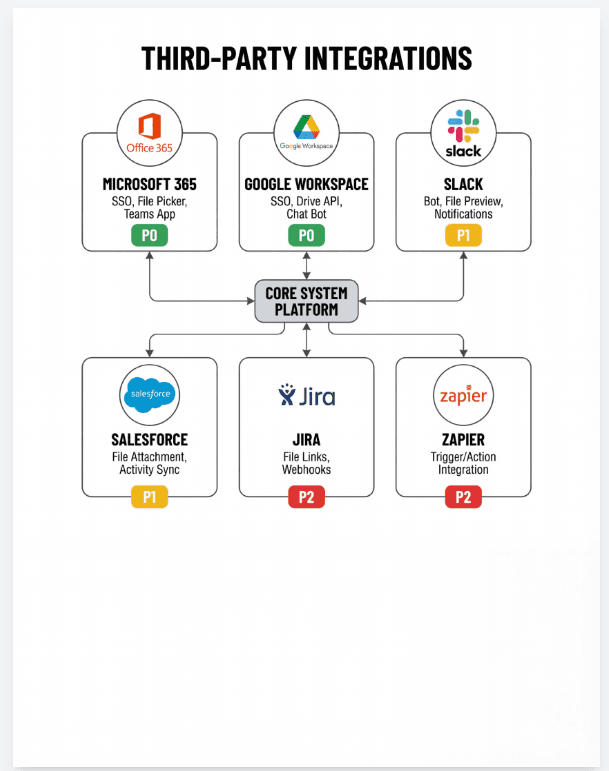
Actual AI output · nothing stagedDescribe the change. Watch it forge.
These are real results from FoundryPDF's AI editor — drag to compare the page you uploaded with what came back.
 After
After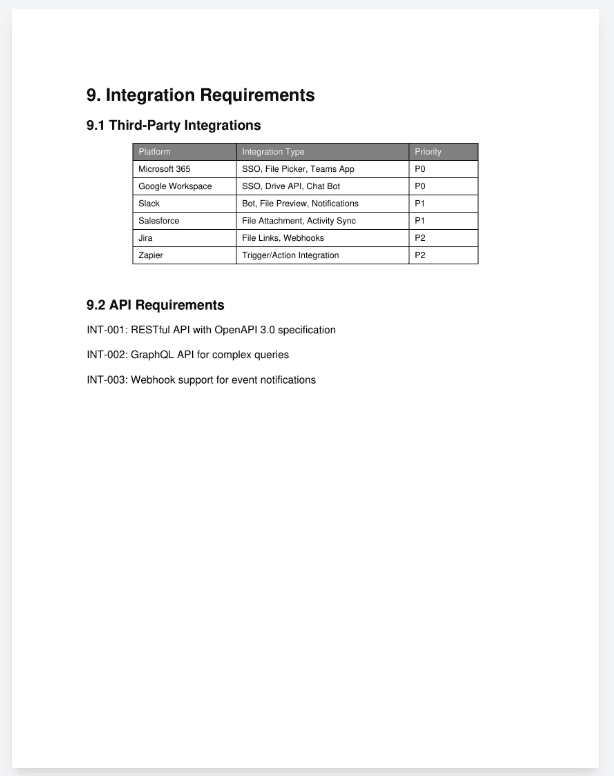 Before
Why FoundryPDF
The work happens on your side.
Private by construction
Files are processed in your browser. Nothing is uploaded — there is no server to upload to.
Instant, no queue
No round-trips. The result downloads the moment processing finishes.
Free, no account
Every core tool is free — no sign-up, no watermark, generous local limits.